


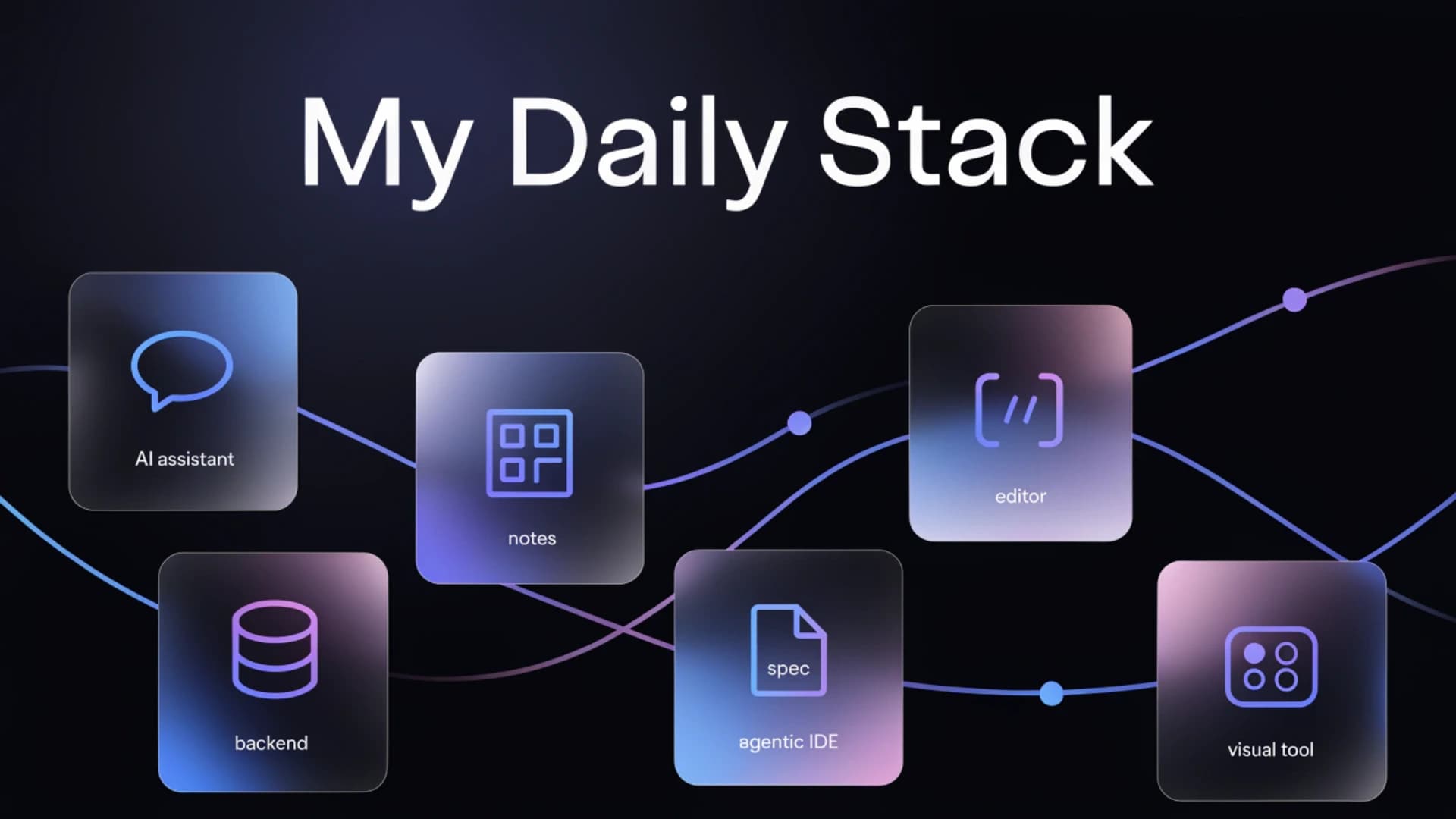
I'm not going to write another "best tools for developers in 2026" list. That exists in thousands of articles and almost never reflects what someone actually uses. This post is different: these are exactly the tools I have open every day, what I do with each one, and why they're still in my stack when I could replace them.
I'm a Software Design student, I work on my own projects, and I'm a Microsoft Student Ambassador. Context matters because it shapes which tools make sense.
Claude
I use it in three different ways and each one serves a different purpose.
The first is the most obvious: as an assistant for organizing tasks, structuring ideas when a problem isn't taking shape, and reviewing code when something breaks and I don't want to spend half an hour reading stack traces. I don't use it to write code for me. I use it to think faster.
The second is more technical: I integrate the API into my own projects. In Veredas and Entiscore, two projects I have in development, Claude runs in the backend handling specific tasks I defined. It's not a chatbot pasted on top, it's a functional component with concrete responsibilities.
The third is the one most people don't mention: study habits. When I need to prepare for an exam or understand a concept that didn't land clearly in class, I explain what I understood and ask it to tell me what I'm getting wrong. It's a way to verify my own understanding without depending on someone else being available.
Notion
For a long time I used combinations of notes, folders, and task lists across different apps. The problem was that context was fragmented. The task was in one place, the related notes in another, and the deadline somewhere else.
Notion fixed that because it works as a single source of truth for everything I have running: courses, projects, blog deliverables, pending posts, coursework. It's not the fastest tool on the market or the most minimal, but for the volume of things I handle simultaneously, it works.
What I use most are databases with filters. Having a view of "what's due this week" that spans all contexts, study and projects, saves me a lot of manual review time.
VS Code with Prettier
VS Code is the editor. There's not much to add that hasn't been said already. What's worth mentioning is Prettier, because it changed something concrete in how I work.
I used to waste time on minor formatting decisions: single or double quotes, how to indent, how to handle long lines. Prettier eliminates those decisions entirely. Code comes out consistently formatted on every save without me thinking about it. It sounds like a minor detail until you calculate how much accumulated time it saves you from losing focus.
For TypeScript and React projects it's practically non-negotiable in my workflow.
Supabase
Supabase is the backend database in most of my personal projects. The combination of PostgreSQL with a REST API and an SDK that works well from the frontend means I can start a new project without setting up infrastructure from scratch every time.
What I value most is the authentication layer. Implementing auth with email, OAuth, and session management from scratch takes time and has a lot of edge cases. With Supabase that's solved and I can focus on what differentiates the project.
It's not the only option and I wouldn't recommend it for everything. But for personal projects where I'm the only developer and I want speed without sacrificing a solid foundation, it works well.
Kiro
Kiro is an agentic IDE by AWS, built on Code OSS, the same open source base as VS Code, and powered by Claude via Amazon Bedrock. It reached general availability in March 2026.
What sets it apart from other AI editors isn't that it completes code faster. It's the focus on spec-driven development: when you describe a feature, Kiro doesn't write code immediately. It first generates three documents in sequence, requirements, design, and tasks, and only then implements. That changes something in how you think about the work because it forces you to articulate what you want before seeing code.
My description before researching it was that it feels like a coworker, not a tool that does everything for you. That's still accurate. I use it for projects where structure matters and I want clarity on what I'm building before I build it.
Canva
I'm including it because it would be dishonest not to. It's not a development tool but it's in my workflow every day.
Blog post covers, project presentation images, and visual material for my LinkedIn posts all go through Canva. I don't have a design background and I'm not pretending to have one. Canva gives me a visually acceptable result in a short time, which is exactly what I need for that type of work.
The most useful thing is keeping a consistent color palette and typography across projects. Once that's defined, creating new material is fast.
None of these tools is perfect and I'm not saying they're what you should use. They fit my specific workflow, the projects I have running, and the way I study. If any of them sparks your interest, the best way to evaluate it is to use it on something concrete for a week, not read reviews.
This post reflects my personal use of these tools as of August 2026. I have no commercial relationship with any of the brands mentioned.