


Entiscore persists each analysis and comparison in Supabase and assigns it a short, unique, human-readable code that lets anyone retrieve that result later from a public route without repeating the analysis. When someone visits /r/[code], the system looks up that record in the database and renders the full report if it finds it.
The original design
The technical design defined two separate Supabase clients from the start, not a single shared one. A public client initialized with the anon key, intended exclusively for reads that happen on /r/[code]. A private client initialized with the service role key, reserved exclusively for inserts that happen from server-side route handlers when a new analysis is generated.
export function getPublicSupabase() {
  return createClient(
    process.env.NEXT_PUBLIC_SUPABASE_URL!,
    process.env.NEXT_PUBLIC_SUPABASE_ANON_KEY!
  );
}

export function getServerSupabase() {
  return createClient(
    process.env.NEXT_PUBLIC_SUPABASE_URL!,
    process.env.SUPABASE_SERVICE_ROLE_KEY!
  );
}
The intention behind this separation was explicit. The service role key bypasses Row Level Security entirely and has full access to any row in any table, so its use had to be limited to the one operation that actually needed it: writing a new record from a server endpoint. The public read, being genuinely public, had no reason to depend on the most privileged credential in the project.
The bug
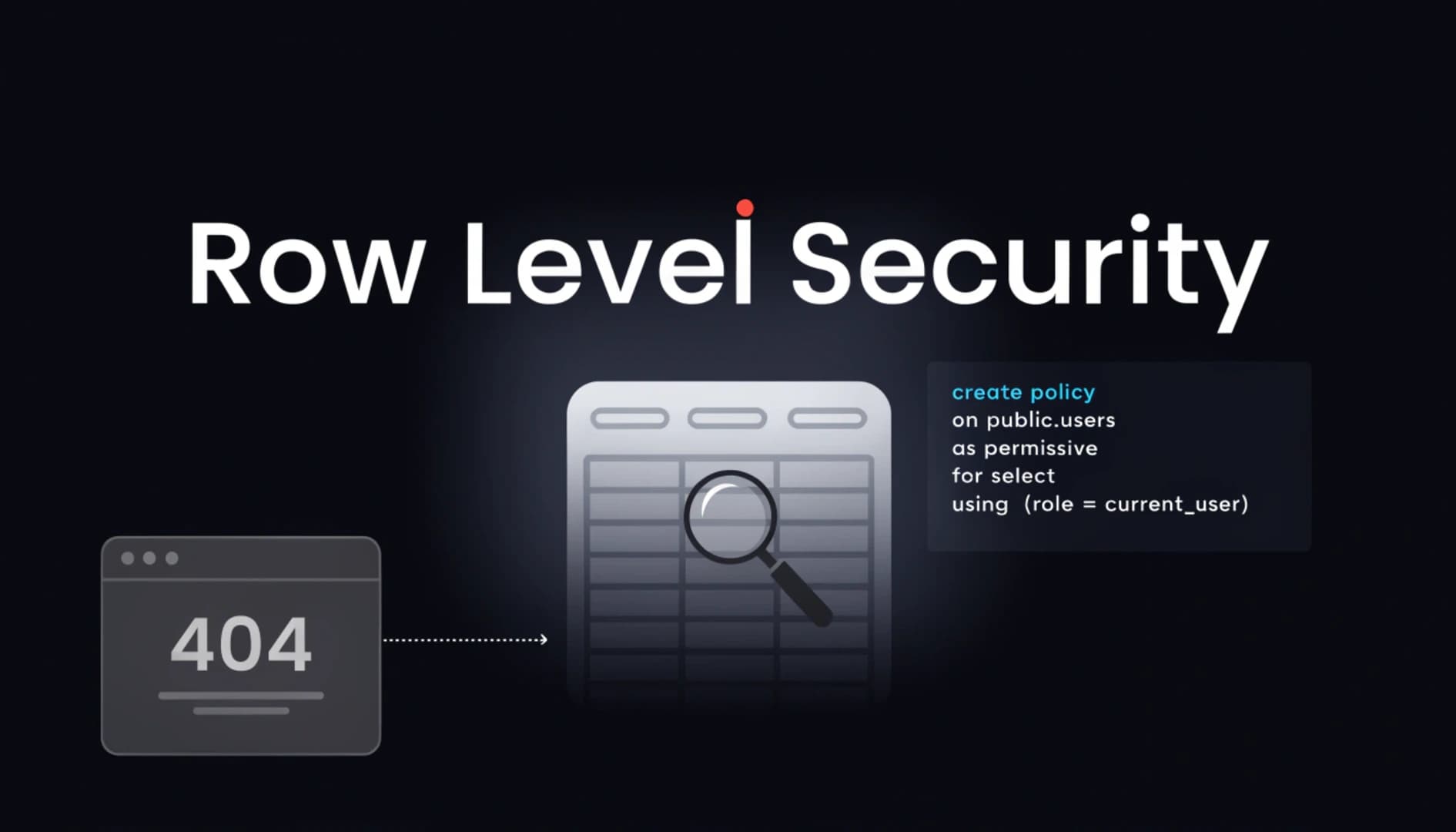
Generating an analysis worked without issues. The unique code was created and displayed correctly in the interface. The problem appeared when trying to access that same code from /r/[code], which returned a Next.js 404 even though the record existed and was perfectly queryable from Supabase's Table Editor.
The diagnosis covered several fronts to rule out causes one by one. First, looking directly at the table content in Supabase confirmed the row with that code was there, ruling out a write problem. Second, reviewing the read function confirmed it was using getPublicSupabase with the anon key as designed. Third, confirming that the route had export const dynamic = "force-dynamic" ruled out static caching serving a stale version. Fourth, and the step that confirmed the cause, running a direct query against Supabase using the same client and the same anon key the app uses, completely outside of Next.js, to isolate the problem from the framework.
That direct query returned the key result: no data and no error message. The query executed without failing but returned zero rows.
The cause
The analyses table had Row Level Security enabled, as appropriate for any table exposed to a client using a public credential, but no explicit SELECT policy had ever been defined for the anon role. Without that policy, Postgres, through Supabase's RLS mechanism, filters the row out of the result as if it doesn't exist for that role, without throwing any exception, without returning any HTTP error code other than a 200 with an empty array. From the client's perspective, the query succeeded and simply found nothing that role had permission to see.
This behavior isn't a bug in Supabase or Postgres. It's the intentional design of Row Level Security. A row-level permission system that returned an explicit error when a row exists but the role doesn't have access would be leaking information, confirming the existence of data that the requester shouldn't be able to confirm. The correct design from a security standpoint is for a row without permission to behave exactly like a row that doesn't exist.
The problem wasn't that RLS was hiding the row. It was that the correct role had never been given permission to see it, and that missing policy never generated any warning during development because earlier testing had probably been done with the service role client, which bypasses RLS entirely and would never have exposed this problem.
In the /r/[code] route, that empty result arrived directly into a condition that called Next.js's notFound() when data was absent, producing the 404 visible in the browser. The full chain looked like a routing or caching problem when the origin was three layers deeper, in a database policy that was never created.
The first fix, functional but wrong
A reasonable and quick correction for this symptom was switching the read function to use getServerSupabase instead of the public client. Since the service role key bypasses RLS entirely, the read started working immediately.
export async function getAnalysisByCode(code: string) {
  const supabase = getServerSupabase() ?? getPublicSupabase();
  const { data } = await supabase.from("analyses").select("*").eq("code", code).single();
  return data;
}
Functionally, this change resolved the observable symptom. But it contradicted the architecture decision made during the original design. The most privileged credential in the project was now being used for a public read operation with no RLS restrictions in place, when the explicit goal of separating the clients had been to prevent exactly that: a read with no need for elevated privileges depending on the key that can access any row in any table.
The correct fix
Instead of accepting the functional patch, the read function was reverted to use the public client, and the problem was resolved where it actually lived: the database.
create policy "Public read on analyses"
  on analyses for select
  using (true);

create policy "Public read on comparisons"
  on comparisons for select
  using (true);
With these two policies applied, the anon role gets explicit read permission on all rows in both tables, which is exactly the intended behavior since the entire purpose of the code system is that anyone with the right code can access the report without authentication. The read function returned to its original form using getPublicSupabase with no fallback to the privileged credential.
export async function getAnalysisByCode(code: string) {
  const supabase = getPublicSupabase();
  const { data } = await supabase.from("analyses").select("*").eq("code", code).single();
  return data;
}
The same symptom, a completely different cause
Weeks later, during a Supabase credential rotation prompted by an unrelated security incident, the same /r/[code] route started returning 404 for codes that existed in the database. The immediate assumption was that the same RLS problem was reappearing, but the SELECT policies were confirmed active and correct.
The cause this time was much simpler and much less interesting: the environment variable with the new anon key value had been updated correctly in the code and in the local environment file, but the new value had never been pasted into Vercel's environment variable panel. The production app was still using the old anon key, which was no longer valid after the rotation. The observable symptom, a 404 on the same route with existing data, was identical to the first case, but the cause had nothing at all to do with Row Level Security.
This second episode is as relevant as the first for anyone who encounters a similar problem. The same symptom can have completely different causes at different moments, and assuming you already know the cause because you've seen that error before is a shortcut that can waste time reviewing what you know works instead of what actually changed.
What RLS costs in a debugging context
Row Level Security blocking a read without throwing any visible error isn't a system bug. It's the correct and deliberate behavior of a security model that prioritizes not leaking the existence of data over giving clear feedback to whoever is debugging the problem. An empty result with no attached error is, many times, the clearest signal that a policy is missing, not that something is broken.
The debugging pattern that works: when a Supabase read returns zero rows with no error and you can confirm the data exists in the table, the first check is always RLS policies for the role making the request. The second check, if policies are confirmed correct, is whether the credentials in the environment match the ones currently active in Supabase.
Entiscore is available at entiscore.vercel.app. Built with Next.js, TypeScript, Supabase and Claude API for the Kiro powered by AWS hackathon by Código Facilito.