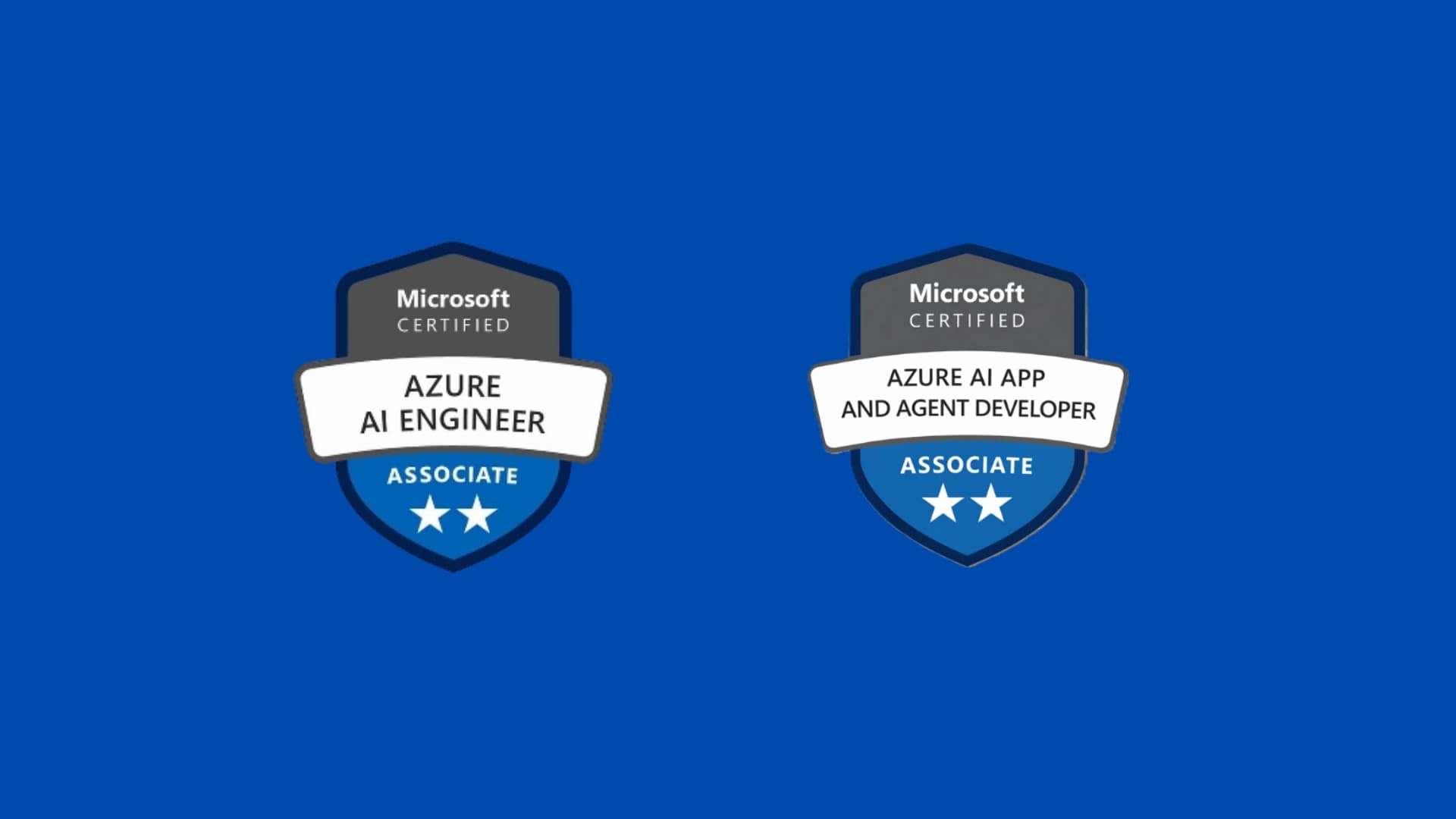
Earning the Microsoft Certified: Azure AI Engineer Associate (AI-102) certification was one of the most important steps in my career as a developer. In this article, I'll tell you exactly how I did it: from how I got the exam voucher to exam day itself, with complete honesty about what worked and what was more difficult than I expected. And at the end, I'll share something that completely changes the landscape for anyone considering this certification today.
A Bit of Context
Before taking AI-102, I had already earned the AZ-900 (Azure Fundamentals) certification, and that made a huge difference. My recommendation will always be the same: if you're planning to get certified in Azure, start with AZ-900. It's not a formal prerequisite, but it provides the conceptual foundation for the entire platform. Without it, many AI-102 concepts become unnecessarily confusing, and you end up learning two things at once instead of one.
AZ-900 gave me the big-picture view of Azure: what a subscription is, how the portal works, what resources and resource groups are, and how the platform is generally organized. With that foundation, when I started preparing for AI-102, I could focus on learning artificial intelligence instead of trying to learn Azure from scratch at the same time.
How I Got the Voucher
I obtained my exam voucher through the Código Facilito Azure AI-102 Bootcamp. For those who aren't familiar with it, Código Facilito is a Latin American technology education platform that organizes bootcamps focused on Microsoft certification preparation. The program includes live classes, study materials, and, upon completion, an official exam voucher.
This is important because Microsoft certification exams are priced in U.S. dollars, which can be a significant expense in countries like Argentina. Being able to access the voucher through a bootcamp is a very practical way to reduce that barrier to entry, and it's something I'm genuinely grateful to have found.
How Long I Studied and How I Organized It
I spent two months preparing before taking the exam. I was fairly systematic with the material, although I didn't follow a rigid schedule. Instead, I moved at my own pace, making sure I truly understood each topic before moving on to the next one.
The Código Facilito material was the backbone of my preparation. The bootcamp classes cover the exam objectives in a structured way and are aligned with what Microsoft actually tests, which saves a lot of time when you're trying to figure out where to start.
Microsoft Learn is essential and completely free. It offers dedicated AI-102 learning paths with interactive modules, sandbox exercises, and practice questions. If I had to choose only one resource, it would be this one.
I also used YouTube videos to reinforce specific concepts, especially to watch practical demonstrations of services such as Azure OpenAI, Azure Cognitive Search, and Language Studio. Seeing the services in action often explains in five minutes what a document takes several pages to describe.
And I want to make one important point here: hands-on practice is worth more than simply reading. AI-102 is not an exam you can pass by memorizing definitions. The questions are based on real-world scenarios, and Microsoft has a huge and highly randomized question pool, which means you never know exactly what combination of questions you'll get. The only way to be prepared for that is to practice enough to genuinely understand the concepts rather than just reading about them. Logging into the Azure portal, creating resources, testing services, breaking things, and understanding why they failed—that's what really prepares you.
AI-102 Exam Topics: What the Exam Covers
The exam covers a broad range of AI services in Azure. The major areas are the following.
Computer vision solutions using Azure Computer Vision, Azure Custom Vision, and Face API. Topics include image analysis, object detection, OCR, and facial recognition.
Natural Language Processing (NLP) with Azure AI Language, sentiment analysis, entity extraction, text classification, and translation using Azure Translator.
Knowledge mining with Azure Cognitive Search, including document indexing, AI enrichment, and skillsets.
Conversational AI with Azure Bot Service and QnA Maker, now integrated into Language Studio, along with conversational flow design.
Azure OpenAI, including large language models, GPT integration into applications, prompts, and embeddings. This area was added more recently and is becoming increasingly important in the exam.
Responsible AI, because Microsoft doesn't evaluate only technical skills. There are conceptual questions about ethical principles, fairness, transparency, and privacy in AI systems. This is a section that shouldn't be underestimated.
The Topics That Challenged Me the Most
To be completely honest, there were two areas that took me longer than the rest.
The first was Azure Cognitive Search. The indexing architecture, enrichment skillsets, and the way all components connect together (datasource, indexer, index, and skillset) are not intuitive the first time you encounter them. I had to revisit the material multiple times and complete practical exercises in the Azure portal before it finally started to make sense as a system.
The second was Azure OpenAI, not because it was technically difficult, but because the service evolved so quickly that some of the content available online was already outdated while I was studying. This is where relying on the official Microsoft Learn documentation was crucial, since it's usually updated first.
Taking the Exam in English or Spanish
I chose to take the exam in English, and I recommend doing the same. The Spanish translations of Microsoft exams are not always precise. Some technical terms lose nuance or are translated in ways that create unnecessary confusion. If your technical English is good enough to read documentation, take the exam in English. It's worth it.
I Passed on My First Attempt
Yes, I passed on my first attempt. I don't say that to brag, but to make it clear that with two months of consistent preparation and the right resources, it's completely achievable—even from Argentina and without access to enterprise-scale Azure environments.
The key was combining theory with hands-on practice from the very beginning rather than waiting until I had "finished studying" before touching the Azure portal.
Resources I Recommend
Código Facilito for the bootcamp and voucher: https://codigofacilito.com
Microsoft Learn AI-102 learning path: https://learn.microsoft.com/credentials/certifications/azure-ai-engineer
Azure Portal with a free account for hands-on practice. Many exam questions are scenario-based, and nothing replaces real experience using the services yourself.
YouTube for demonstrations of Language Studio, Vision Studio, and Azure OpenAI Studio. Watching the services in action complements documentation extremely well.
What's Next: AI-102 Retires on June 30, 2026
And here's the part that matters most if you're reading this in 2026: AI-102 officially retires on June 30, 2026. After that date, you will no longer be able to take, retake, or renew the exam. It's a hard deadline with no exceptions.
Microsoft officially confirmed this on Microsoft Learn:
"This certification, related exam, and renewal assessments will retire on June 30, 2026. You will no longer be able to earn or renew this certification after this date."
If you already hold the certification, don't worry: it won't be revoked or invalidated. It will remain on your certification transcript until its natural expiration date. However, if you need to renew it, you must do so before June 30, because after that date the renewal option disappears.
And if you're only now considering taking AI-102, being honest, the window is extremely short. Microsoft itself recommends preparing for the new certification instead of AI-102. The official AI-102 training materials were retired in April 2026, making it considerably harder to study for the exam from scratch.
The Replacement: AI-103, Azure AI App and Agent Developer
The successor to AI-102 is called AI-103: Azure AI App and Agent Developer Associate, and its beta version has been available since April 2026. General availability is expected in June 2026, almost simultaneously with the retirement of AI-102.