


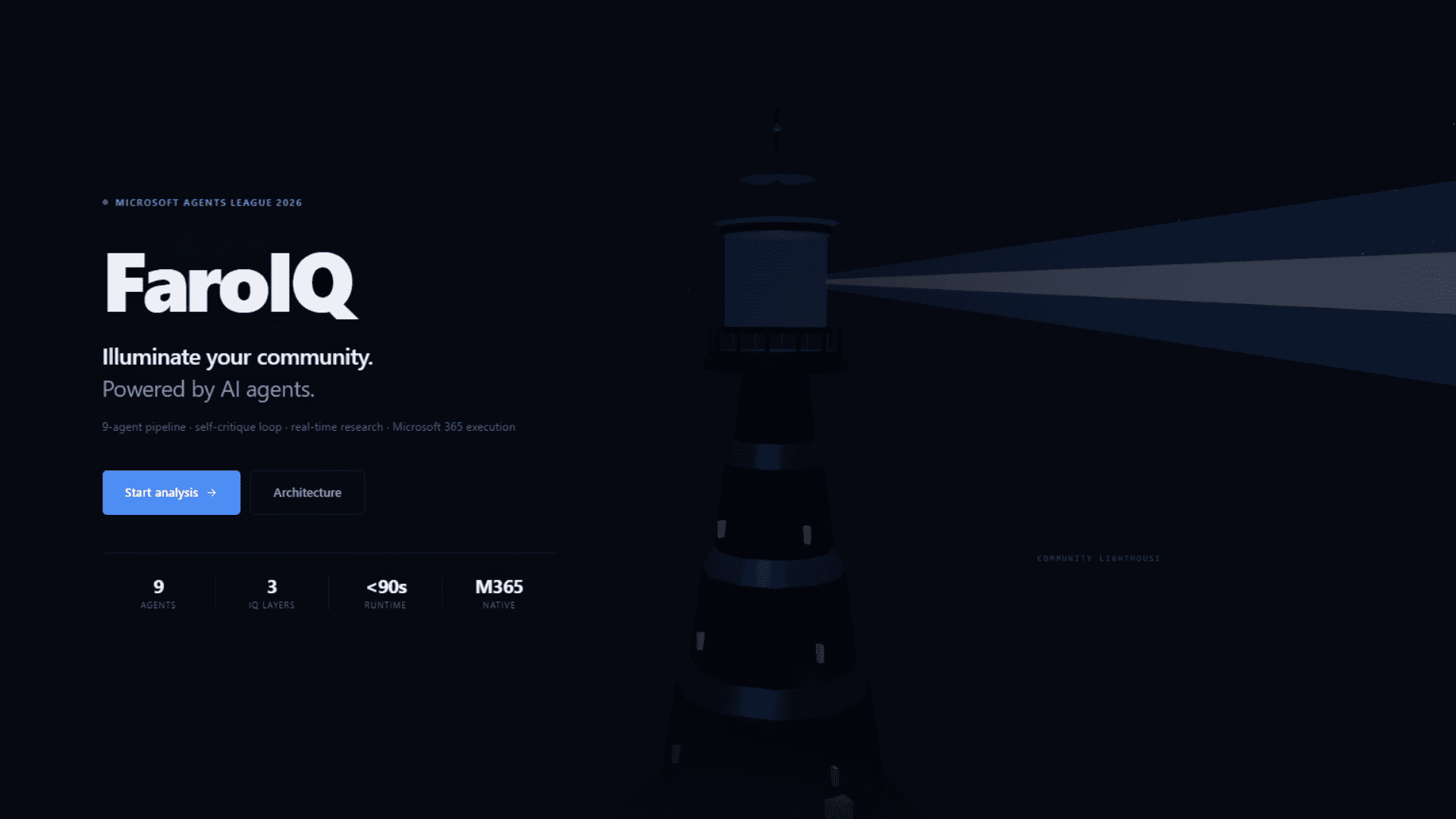
I'm Carlos, a Software Design student at the National University of Catamarca, Argentina. This post covers how I built FaroIQ during the Microsoft Agents League 2026: what decisions I made, why I made them, and what problems I ran into along the way.
Where the idea came from
Growing up in San Juan, Argentina, I watched organizations like Caritas collect donations through schools and universities, doing what they could with very little. The problem was never a lack of will. Those organizations know exactly what their communities need. What they lack is a way to turn that knowledge into something concrete: a plan with data, phases, and a budget.
When the hackathon started, I wanted to build something that solved that. Not a technology demo. Something that, if someone actually used it, would be useful to them.
The idea: the user describes their organization in plain language, and the system produces in under 90 seconds a needs analysis, a phased implementation plan, impact projections, a grant proposal ready to submit, and executes all of that in Microsoft 365 (Calendar, To Do, OneDrive, Email) automatically.
What FaroIQ is
FaroIQ is a community intelligence platform built on the three Microsoft IQ layers:
- Foundry IQ: Azure AI Foundry with the
gpt-oss-120bmodel for agent reasoning - Fabric IQ: Azure Blob Storage for session persistence and aggregated analytics
- Work IQ: Microsoft 365 via Azure Logic Apps for execution
The name comes from the Spanish word for lighthouse. Not much more to explain there.
The architecture
Why a sequential pipeline instead of parallel agents
One of the first decisions was how to structure the nine agents. Two obvious options: run them in parallel to reduce total time, or run them in sequence where each one receives the output of all previous agents as context.
I went with the sequence. A coherent action plan requires each stage to build on the previous one. If the Planning agent doesn't know what needs the Analysis agent identified, or what resource capacity the Classification agent estimated, it ends up generating something generic. With context chaining, each agent receives the structured output of all previous agents plus its own system prompt and a JSON schema that defines exactly what it needs to return.
| Agent | What it does |
|---|---|
| Research | Live Tavily web search for real statistics and comparable NGO programs |
| Intake | Classifies sector, urgency, target population, and resource capacity |
| Analyzer | Identifies primary needs, root causes, and existing community strengths |
| Planner | Generates phased action plan with milestones, quick wins, and risk factors |
| Evaluator | Projects beneficiaries, feasibility score, and expected outcomes |
| Critique | Reviews full output and triggers automatic revision if quality falls below 0.70 |
| Execution | Builds Microsoft 365 payloads and triggers the Logic Apps |
| Grant | Writes a complete funding proposal |
| Chat | Conversational agent with full analysis as context, can re-run agents if constraints change |
All agents use AsyncAzureOpenAI against the Azure AI Foundry endpoint. Each event (start, progress, completion) streams to the frontend in real time via WebSocket, so the user watches the pipeline execute rather than staring at a loading screen.
The autonomous revision loop
This was the part that took me the longest to think through properly. After the Evaluator finishes, the Critique agent scores the entire pipeline output between 0.0 and 1.0. If the score falls below 0.70, the system doesn't ask the user what to do. It injects the Critique's feedback as additional context and re-runs the Planner and Evaluator with those observations incorporated. Up to two cycles.
Setting the limit at two was pragmatic: a third cycle rarely improved the result meaningfully, and the total time was already close to 90 seconds. More than two revisions started to feel like a loop the user couldn't predict.
In the UI, the user can see the quality score, number of cycles completed, critical gaps identified, and specific recommendations. There's an expandable panel that shows exactly what the Critique detected and why it decided to revise. The system doesn't just improve itself silently, it shows its work.
Fabric IQ: why persist everything
From the start I wanted analyses to survive beyond the browser session. It makes no sense for a nonprofit to lose an analysis because they closed the tab or because the connection dropped on iOS (more on that later).
Each completed analysis is saved as structured JSON in Azure Blob Storage under the faroiq-lakehouse container. Each session has an 8-character code derived from the UUID, which lets anyone retrieve it without authentication. A second container called reports stores the rendered HTML version of the report as a permanent public URL.
The Intelligence Dashboard aggregates data across all stored sessions: sector distribution, average feasibility scores, urgency trends, cumulative beneficiary projections. Individual analyses become more useful over time as the dataset grows.
Work IQ: execution in Microsoft 365
Four Azure Logic Apps connect the system to Microsoft 365:
- Calendar: creates Outlook events for each implementation phase
- To Do: generates structured task lists with the organization name as prefix, for example
[Caritas San Juan] Phase 1: Diagnosis - OneDrive: saves the full HTML report to
/FaroIQ Reports - Email: delivers the complete analysis via Outlook
All Logic Apps calls run as async background tasks in the backend to avoid blocking the API response. If one fails, it gets logged but doesn't surface as an error to the user, because the M365 integrations are secondary to the analysis itself.
There's also a Declarative Agent manifest in /teams-plugin/appPackage/ for deployment in Microsoft 365 Copilot in enterprise environments, with a nine-step reasoning instruction set and six conversation starters in English and Spanish.
The hard parts
Design took longer than expected
I underestimated how much time the interface would take. There's a lot of information to show: the pipeline visualizer with each agent's state, the autonomous revision panel, the full report with tabs, the critique panel, the chat, the M365 integrations. Finding the right visual hierarchy so all of that makes sense without overwhelming the user took quite a few iterations.
The Three.js lighthouse background was its own challenge. Day mode and night mode render completely different scenes: cream tower with sunlight in day, dark navy with a starfield and volumetric beam at night. My first attempt tried to mutate the scene on theme change, but Three.js doesn't clean up that state cleanly. I ended up forcing a full remount via a key prop in React every time the theme changes. It's the most direct solution and it works without side effects.
Keeping agents from making up data
One requirement I set for myself from the beginning: the system couldn't return invented statistics. If a nonprofit is going to make decisions based on this analysis, the data needs to come from somewhere verifiable.
That's why the first agent does live web search with Tavily before the rest of the pipeline starts. Results get truncated to 3,000 characters to avoid blowing the token budget of the following agents, but that preserves the relevant information. The Analyzer and Planner have access to real data from the first step.
WebSocket and iOS
Keeping a WebSocket connection open for 60 to 90 seconds has problems, especially on iOS. Both Safari and Chrome on iPhone use WebKit, which has stricter connection limits than desktop or Android. The connection closes before the pipeline finishes.
I solved this in layers. First, a keepalive ping every 8 seconds to keep the connection alive. Second, the backend sends the session_id to the frontend before the pipeline starts, so the user has the session code from the very first second. If the connection drops, the pipeline keeps running on the server and the user can recover the full analysis by entering that code on the Session Lookup page. Third, an ErrorBoundary component shows the session code in any error state so it's never lost.
There's no perfect solution for iOS without refactoring all the streaming to Server-Sent Events or polling, which would have meant rewriting significant parts of the backend. The current solution covers the use case without breaking anything else.
What surprised me when I ran it the first time
I expected the pipeline to produce something useful. I didn't expect how detailed and specific the output would be when the agents had good input to work with.
The first time I ran a full analysis on a real nonprofit, the output had specific activities per phase, measurable milestones, risk factors with their mitigations, a funding proposal with theory of change and sustainability plan, and impact projections with confidence intervals. None of that was hardcoded. It came from the context chaining across the nine agents.
That's when I understood why the added complexity of the sequential approach was worth it.
Full stack
Backend: Python 3.12 · FastAPI · uvicorn · AsyncAzureOpenAI · azure-storage-blob · Tavily
Frontend: React 18 · TypeScript · Vite · Three.js · WebSocket
Infrastructure: Railway (backend, Hobby plan) · Vercel (frontend) · Azure Blob Storage · Azure Logic Apps · Azure AI Foundry
Integrations: Microsoft 365 (Calendar, To Do, OneDrive, Email) · Microsoft 365 Copilot (Declarative Agent)
Closing
I finished the hackathon with 227 commits, a production deploy, real sessions from real organizations, a README with screenshots of every feature, a demo video, and the submission delivered.
When I saw the pipeline visualizer running in real time, the expandable revision panel with the Critique agent's reasoning, the funding proposal generated in seconds, and the tasks showing up automatically in Microsoft To Do, I felt like I had built something that works end to end.
I entered the Reasoning Agents track at Microsoft Agents League 2026. I didn't win. But FaroIQ is deployed, it's free, and any nonprofit that finds it can use it today. That's reason enough to have built it.
Links
- Live demo: faroiq.vercel.app
- GitHub: github.com/carlosjcastro/faroiq
Microsoft Agents League 2026 · Reasoning Agents Track · Hack for Good