


Most RAG tutorials online show the same pattern: take a document, split it into chunks, generate embeddings, store them in a vector database, and when a query arrives search for the nearest vectors and send them to the LLM. It works. The problem is that in production, that pattern fails in ways that don't show up in the tutorial.
A user types "SNAT error in network configuration". The vector for that query is semantically similar to dozens of documents about NAT, networking, and general network configurations. The vector search returns conceptually relevant results, but the specific document that contains "SNAT" many times over might not be in the top five. Keyword search would have found it immediately.
Azure AI Search exists to solve exactly that kind of problem, and in 2026 the service has changed enough that much of what was written about it before is outdated.
What Azure AI Search actually is today
The service was called Azure Search, then Azure Cognitive Search, and since November 2023 it is Azure AI Search. The most recent name that appeared at Build 2026 is Foundry IQ, which is how Microsoft exposes it inside the Azure AI Foundry portal. They are not two separate services: Foundry IQ is Azure AI Search seen from the agent platform.
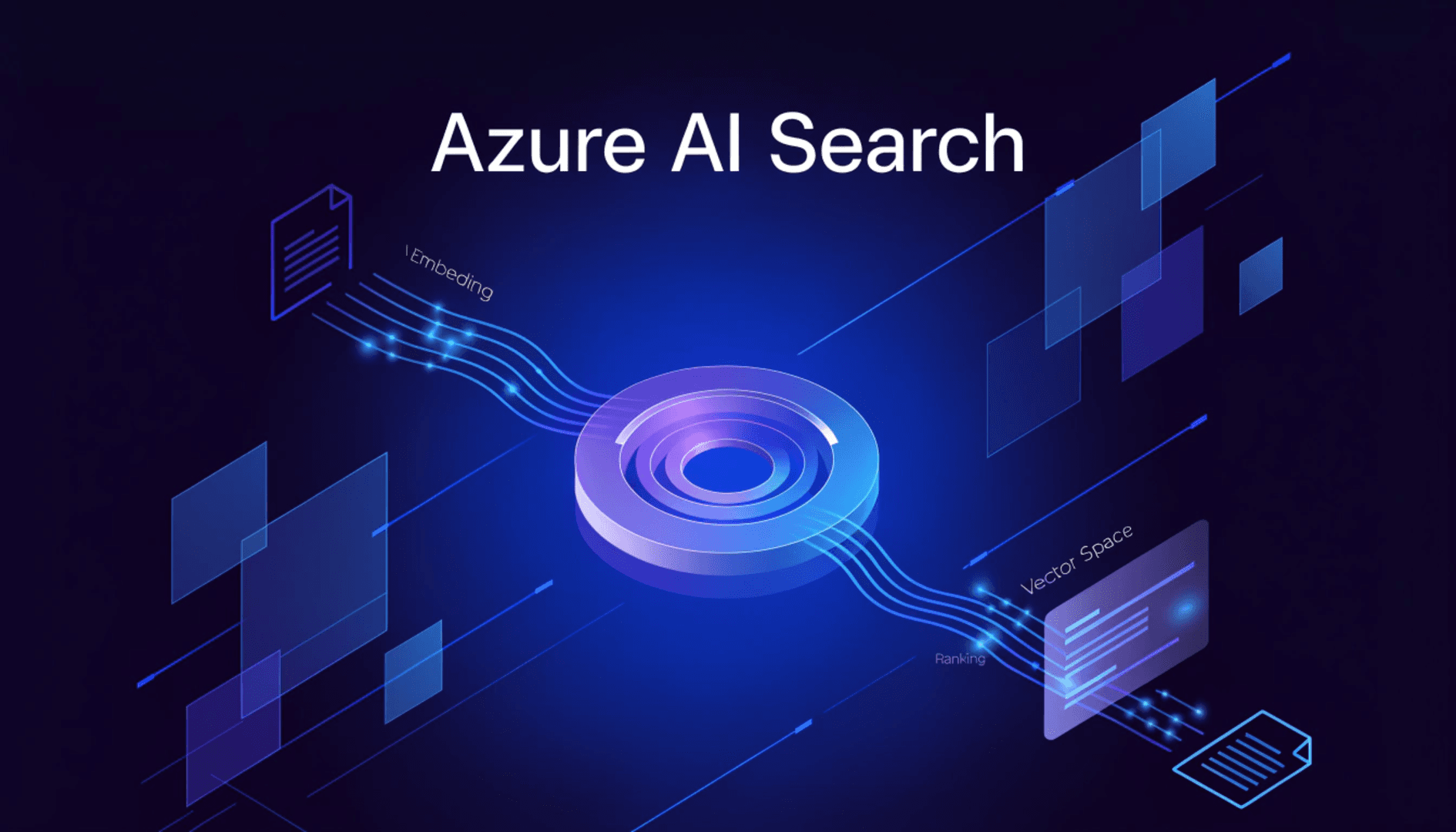
Internally, the service combines three search technologies. The full-text engine uses BM25, the same algorithm used by traditional search engines, which scores documents by term frequency and inverse document frequency across the corpus. The vector engine uses HNSW (Hierarchical Navigable Small World) for approximate nearest neighbor search over embeddings. And the Semantic Ranker is a transformer-based cross-encoder model adapted from Microsoft Bing that reorders the results from the other two based on actual semantic relevance.
These three components can be used separately or in combination. Most production systems use them together.
Why vector search alone is not enough
An embedding captures general meaning. It works well for conceptual questions like "how does OAuth authentication work", where the intent is semantic and there is no specific term to match. It fails when the query contains very specific terms: product codes, error numbers, technical acronyms, proper names.
The reason is technical: embedding models compress a lot of semantic information into a fixed-dimension vector. Rare or very specific terms tend to get diluted in that compression process. BM25 does not have that problem because it works with exact term frequencies.
Hybrid search runs both queries in parallel and merges results using Reciprocal Rank Fusion (RRF). RRF combines ranking lists without requiring the scores from both systems to be on the same scale, using a formula that penalizes results that appear very low in either list. The outcome consistently outperforms either search alone, especially for enterprise content that mixes descriptive text with specific identifiers.
The Semantic Ranker and what it actually does
After hybrid search returns its ranked results, the Semantic Ranker takes the top 50 and reorders them. It uses a cross-encoder model that processes the query and the document snippet together, unlike bi-encoders that generate independent embeddings for each. That difference matters because the cross-encoder can capture subtle relationships like negations and contextual dependencies that vector similarity misses.
The Semantic Ranker also generates captions (representative snippets from the document) and optionally answers (passages that directly respond to the question if it was phrased as a question). Both captions and answers are verbatim text from the index, not text generated by the model.
One relevant detail: the Semantic Ranker operates only over text, even in hybrid queries. And it only processes the top 50 results from the previous ranking, which means that if the right document is not in those 50, the ranker cannot recover it. The quality of the initial ranking matters.
A practical consideration: semantic queries have additional cost. It is not necessary to enable it for all queries. For background search or batch processing where precision is not critical, it can be skipped. For user-facing search where result quality affects the LLM response, it is worth it.
Two RAG paths in 2026
Since 2026, Azure AI Search offers two distinct approaches for building a RAG pipeline. Microsoft calls them the classic RAG pattern and agentic retrieval, and the choice between them depends on the type of queries you need to handle.
Classic RAG
The classic RAG pattern is the proven, generally available approach. You control the full pipeline: generate the search query (or use the user's question directly), run hybrid search with semantic ranking, take the top N most relevant results, and send them as context to the LLM.
This is the right path when questions are relatively straightforward, you have existing orchestration code you do not want to replace, or you need generally available features for production. The advantage is full control and predictable latency.
Agentic retrieval
Agentic retrieval adds an LLM planning layer before running the search. The system receives the user query, uses an LLM to decompose it into focused subqueries, runs all of them in parallel (each can be keyword, vector, or hybrid), applies semantic ranking to each result, and synthesizes a unified response with references.
This solves a problem, questions like "find the time-off policies for remote employees hired after 2023" do not have a single search dimension. They are multiple questions combined. A simple vector query tends to capture only part of the meaning.
The tradeoff is additional latency (the planning step adds time) and the fact that some agentic retrieval features are still in preview as of July 2026. The 2026-04-01 REST API has agentic retrieval generally available for programmatic access. The Azure portal and the Foundry portal still show agentic retrieval as preview.
Foundry IQ, the new knowledge base model
Foundry IQ is the unified knowledge layer Microsoft built on top of Azure AI Search for the Foundry agent ecosystem. The idea is to solve a problem that appears when an organization scales from one or two agents to dozens: each team ends up rebuilding its own RAG pipeline, with its own vector store, its own chunking logic, and its own access control system.
With Foundry IQ, you create a knowledge base once and expose it as a shared endpoint for multiple agents. The knowledge base can connect to SharePoint, OneLake, Azure Blob Storage, Fabric IQ, the web, and MCP servers. You do not need to separately configure the retrieval strategy for each source: the system does automatic routing.
Each knowledge base in Azure AI Search is also a standalone MCP server. Any MCP-compatible client, including Foundry Agent Service, GitHub Copilot, Claude, and Cursor, can invoke the knowledge_base_retrieve tool to query the base. The endpoint follows this pattern:
https://<service>.search.windows.net/knowledgebases/<name>/mcp?api-version=<version>
Foundry IQ automatically handles the indexing pipeline for connected sources: ingestion, chunking, vectorization, and enrichment. When you enable Azure Content Understanding on supported sources, complex documents with tables, figures, and headers get layout-aware enrichment without extra engineering work.
Access control and permissions are part of the design from the start. Foundry IQ uses Entra ID for document-level access control, which means that when an agent queries the knowledge base, it only receives documents the user who started the conversation has access to. That control travels automatically through the system without needing to implement separate security filters.
Chunking, because it matters more than it seems
Retrieval quality depends heavily on how you split documents before indexing. Chunks that are too large compress too much information into a single embedding and make precise retrieval harder. Chunks that are too small lose context and fragment information that belongs together.
The recommendation that appears consistently across benchmarks: 512-token chunks with 25% overlap, preserving sentence boundaries. Splitting in the middle of a sentence degrades both the embedding quality and the readability of the fragment when it reaches the LLM.
Azure AI Search has native vectorization integration that eliminates the need for custom chunking code. You configure the data source, define the skillset (including which embedding model to use), and the indexer handles the complete cycle: extracts text from PDFs and Office documents, splits it into chunks, generates embeddings, and stores them in the index. The indexer can be scheduled to run periodically and keep the index updated when source documents change.
For large volumes, uploads should be done in batches using the upload_documents API with between 500 and 1,000 documents per batch. Uploading one at a time at scale is not viable.
How to choose between the two approaches
Classic RAG works well for: direct questions with a single search dimension, existing pipelines you do not want to change, need for generally available features, latency-critical scenarios where every second counts.
Agentic retrieval makes sense for: complex conversational queries with multiple implicit questions, agents that need maximum possible relevance, new implementations where the additional latency is acceptable, and scenarios where prior conversation context is relevant for interpreting the current query.
Foundry IQ makes sense when you are building multiple agents that need access to the same data sources, or when you want to delegate pipeline management to Microsoft and focus on agent logic.
Microsoft's official documentation recommends starting with vector_semantic_hybrid on the Standard tier as the default starting point, and adding agentic retrieval when complex query patterns appear that classic RAG does not handle well.
Closing thoughts
Azure AI Search is not a vector store with some extra features. It is a retrieval platform with three ranking layers that work together: keyword for precision, vector for semantics, semantic ranker for contextual relevance. Understanding what each layer does and when to enable it is what separates a prototype from a system that performs well in production.
If you want to explore the official documentation and the agentic retrieval quickstarts:
👉 https://learn.microsoft.com/azure/search/?wt.mc_id=studentamb_510930
Official references
- Main documentation: https://learn.microsoft.com/azure/search/
- RAG overview: https://learn.microsoft.com/azure/search/retrieval-augmented-generation-overview
- Agentic retrieval overview: https://learn.microsoft.com/azure/search/agentic-retrieval-overview
- Semantic ranking overview: https://learn.microsoft.com/azure/search/semantic-search-overview
- What's new: https://learn.microsoft.com/azure/search/whats-new
- Foundry IQ announcement: https://techcommunity.microsoft.com/blog/azure-ai-foundry-blog/foundry-iq-unlocking-ubiquitous-knowledge-for-agents/4470812