


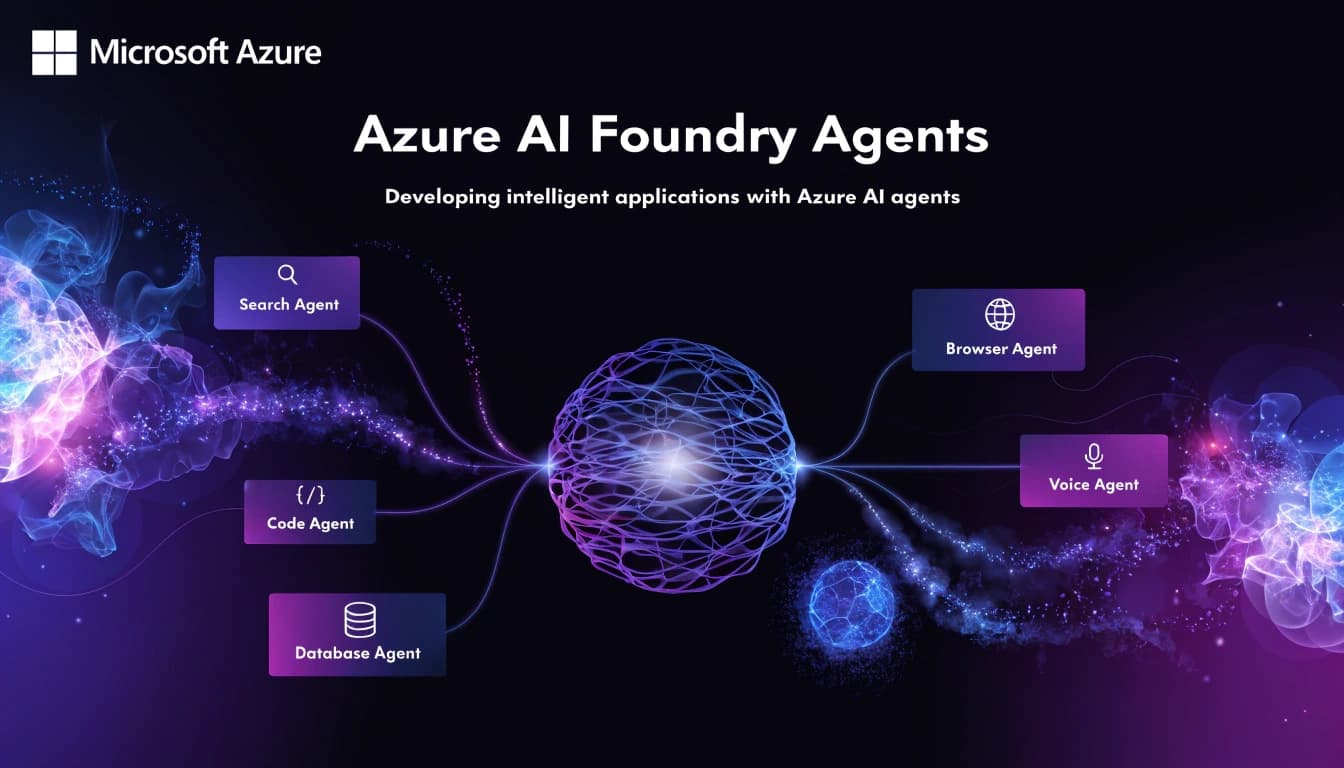
For months, the Assistants API in Azure OpenAI was the only real option for building agents on Azure. It worked, but it had clear limits: only OpenAI models, no native multi-agent support, no direct integration with Microsoft's data ecosystem, and an architecture Microsoft was gradually moving away from.
That chapter closed in March 2026. Azure AI Foundry Agent Service reached general availability and became the official platform for building, deploying, and scaling AI agents on Azure. The classic Assistants API still works, but it has a retirement date: March 31, 2027. If you are starting a new project or thinking about migrating an existing one, Foundry Agent Service is where you should be building.
This article explains what the service is, how it is organized, what you can build with it, and which technical decisions matter most when designing an agent for production.
What an agent is and what it is not
Before getting into the service, it is worth being precise about the term because it gets used in very different ways depending on context.
An agent in the Microsoft Foundry ecosystem is an AI application that uses a model from the Foundry model catalog to reason about user requests and take autonomous actions to fulfill them. Unlike a chatbot that only generates text, an agent can call tools, access external data, and make decisions across multiple steps to complete a task. In some cases, agents do not even have a chat interface at all: they work autonomously in the background, triggered by system events, completing tasks on a user's or organization's behalf.
The three basic components of any agent are the model, which provides reasoning and language capabilities; the instructions, which define goals, constraints, and behavior; and the tools, which provide access to data or concrete actions like search, file operations, or API calls.
The two agent types in Foundry
Foundry Agent Service organizes agents into two main categories, and the choice between them determines how much code you write and how much control you have.
Prompt agents
Prompt agents are agents you define with instructions, tools, and configuration, and Foundry runs them without you having to write or maintain any application code. No compute to pay for, no containers to optimize, no infrastructure to scale. You define the agent from the Foundry portal or through the SDK, and the service handles the rest.
These are the right choice when the use case is well-defined, the tools available in Foundry cover what you need, and you do not require complex orchestration logic written by hand. For most enterprise automation, customer support, or data analysis scenarios, prompt agents are sufficient and much faster to implement.
Hosted agents
Hosted agents let you bring your own agent code, packaged as a container, and have Foundry run it with a managed endpoint, automatic scaling, identity, and built-in observability. You can write that code with Agent Framework, LangGraph, the OpenAI Agents SDK, the Anthropic Agent SDK, the GitHub Copilot SDK, or your own code.
This path makes sense when you need orchestration logic that cannot be expressed with instructions alone, very specific integrations with proprietary systems, or full control over agent behavior at each step. Hosted agents are expected to reach general availability in early July 2026.
The technical foundation: Responses API
Foundry Agent Service is built on the OpenAI Responses API. This has an important practical implication: if you already have code running against the Responses API directly, migrating it to Foundry requires minimal changes. What you gain by doing so is enterprise security, private networking, Entra ID access control, full traceability, and evaluation, layered on top of your existing agent logic.
SDKs are available for Python, JavaScript, TypeScript, Java, and .NET. The stable version is 2.0.0, released in March 2026. Starting with that version, the package bundles openai and azure-identity as direct dependencies, so you no longer need to install them separately.
import os
from azure.identity import DefaultAzureCredential
from azure.ai.projects import AIProjectClient
from azure.ai.projects.models import PromptAgentDefinition

credential = DefaultAzureCredential()
client = AIProjectClient(
    endpoint=os.environ["AZURE_AI_FOUNDRY_ENDPOINT"],
    credential=credential
)

agent = client.agents.create_agent(
    model="gpt-4o",
    name="support-agent",
    instructions="You are a technical support assistant. Answer questions using the available knowledge base.",
)

thread = client.agents.threads.create()
client.agents.messages.create(
    thread_id=thread.id,
    role="user",
    content="How do I restart the authentication service?"
)

run = client.agents.runs.create_and_process(
    thread_id=thread.id,
    agent_id=agent.id
)

messages = client.agents.messages.list(thread_id=thread.id)
for msg in messages:
    if msg.role == "assistant":
        print(msg.content[0].text.value)
Available tools
The real utility of an agent depends on which tools it can invoke. Foundry Agent Service has a wide set of built-in tools and supports external tools via MCP.
Built-in tools
File Search lets the agent search through files uploaded to the service, useful for internal knowledge bases.
Code Interpreter runs Python code in an isolated sandbox environment, ideal for data analysis and chart generation.
Bing Search lets the agent search the web to answer questions that require up-to-date information.
SharePoint is now a first-class knowledge tool, integrated directly into the service. Agents can access SharePoint documents without building a custom RAG pipeline.
Microsoft Fabric through Fabric IQ lets agents query structured data from Microsoft's data platform, including semantic models and ontologies.
Logic Apps opens access to over 1,400 Azure Logic Apps workflows as tools for agents, covering a huge range of integrations with external systems.
Deep Research runs a multi-step research process using the Azure OpenAI o3-deep-research model with Bing Search as the knowledge source.
Computer Use and Browser Automation are in preview. The first lets the agent interact with desktop application user interfaces. The second allows executing real tasks in the browser through natural language, using isolated Microsoft Playwright sessions.
MCP and Toolboxes
Model Context Protocol is the open standard Foundry adopted as the primary mechanism for connecting agents with external tools. You can add remote MCP servers directly from the portal catalog, including the Azure DevOps MCP Server in public preview. You can also expose your own tools hosted on Azure Functions through the MCP webhook endpoint.
Toolboxes, available in public preview since Build 2026, lets you define a curated set of tools once, manage them centrally in Foundry, and expose them through a single MCP-compatible endpoint. Any agent or MCP client can consume a Toolbox regardless of the framework it uses. Toolboxes include explicit versioning to control when changes take effect in production.
Multi-agent: Connected Agents
When a task is too complex for a single agent, Foundry Agent Service supports multi-agent workflows through Connected Agents, available in preview.
Connected Agents enable point-to-point interactions where an agent can call other agents as tools to delegate specialized tasks. The primary agent coordinates and the secondary agent handles the subtask, without needing an external orchestrator.
For more complex workflows, Foundry integrates with the converged runtime for Semantic Kernel and AutoGen, combining AutoGen's dynamic orchestration patterns with Semantic Kernel's modular, production-grade architecture. The result is a unified API for defining, chaining, and managing both single-agent and multi-agent workflows, with consistent behavior between local environments and the cloud.
Security for enterprise environments
An agent that accesses internal data, executes actions on production systems, and makes autonomous decisions needs very different security controls than a public chatbot.
Entra Agent ID gives each agent its own Microsoft Entra identity. This means agents authenticate as entities with their own permissions, not as the user invoking them, which allows applying the principle of least privilege at the agent level.
Private networking is supported at GA. You can bring your own virtual network (BYO VNet) for a completely isolated environment, with no public egress, container and subnet injection into your network. Private networking extends to tool connectivity, including MCP servers, Azure AI Search, and Fabric data agents.
Integrated content safety includes guardrails to reduce unsafe outputs and mitigate prompt injection risks, including Cross-Prompt Injection Attacks (XPIA).
Observability in production
Running an agent in production without visibility into what it is doing is not viable. Foundry Agent Service has built-in observability that reached general availability in March 2026.
Tracing captures the complete end-to-end execution path: requests, tool invocations, and responses, with OpenTelemetry semantics for AI workloads that include memory, state, and planning. Evaluation results link directly to the trace that produced them, so when a regression appears you can go from the score to the exact production trace that exposed it.
Built-in evaluators cover coherence, relevance, groundedness, retrieval quality, and safety, for both direct generation and RAG scenarios. Custom evaluators, in preview, let you define LLM-as-a-judge evaluation logic aligned to specific business requirements or regulatory standards.
Distribution: where agents live
An agent without a distribution channel reaches no users. Foundry supports multiple ways to publish agents.
The most direct is a REST endpoint that any application can consume. For Microsoft environments, agents can be published directly to Microsoft Teams and Microsoft 365 Copilot, with identity, permissions, and policies flowing automatically through the platform's channels. This capability was planned for general availability in June 2026.
The Entra Agent Registry centralizes the registration and discovery of agents across the organization, so teams can find and reuse existing agents rather than rebuilding them.
The A2A (agent-to-agent) protocol, in preview, enables communication between agents from different systems.
What not to use today
If you come from Azure OpenAI and use the classic Assistants API, it is deprecated and retires on March 31, 2027. The classic service is now documented under /azure/foundry-classic/agents/ on Microsoft Learn. The new service lives under /azure/foundry/agents/.
Migrating from the classic Assistants API to the new Agent Service is not trivial but it is not complex either: the official migration guide is available on Microsoft Learn.
How do I get started?
Foundry Toolkit for VS Code reached general availability at Build 2026. It lets you create agents from templates or using GitHub Copilot directly in the IDE, debug runs locally with trace visualization, connect Toolboxes, and deploy to Foundry Agent Service without leaving VS Code.
If you'd like to experiment without installing anything, the Azure AI Foundry portal at ai.azure.com lets you create, configure, debug, and test agents in no-code mode, view conversation threads, add tools, and interact with the agent directly from the interface.
If you want to explore the official documentation and quickstarts:
👉 https://learn.microsoft.com/azure/ai-foundry/agents/?wt.mc_id=studentamb_510930
Building agents on Azure no longer requires assembling infrastructure from scratch or depending on APIs that will disappear. Foundry Agent Service covers the runtime, identity, networking, tools, memory, and observability as parts of the service. What remains on the developer's side is deciding what the agent does, with which tools, and how to distribute it. Which is, in the end, the interesting part.